🖥
Screen Mirroring
Low-latency scrcpy mirroring with keyboard, mouse, and audio. Up to 120 fps on Apple Silicon.
Mirror your screen, run apps in Mac windows, get phone notifications on your Desktop, browse files like a cloud drive — all without leaving macOS.
Version … · Requires macOS 13.0+ · arm64
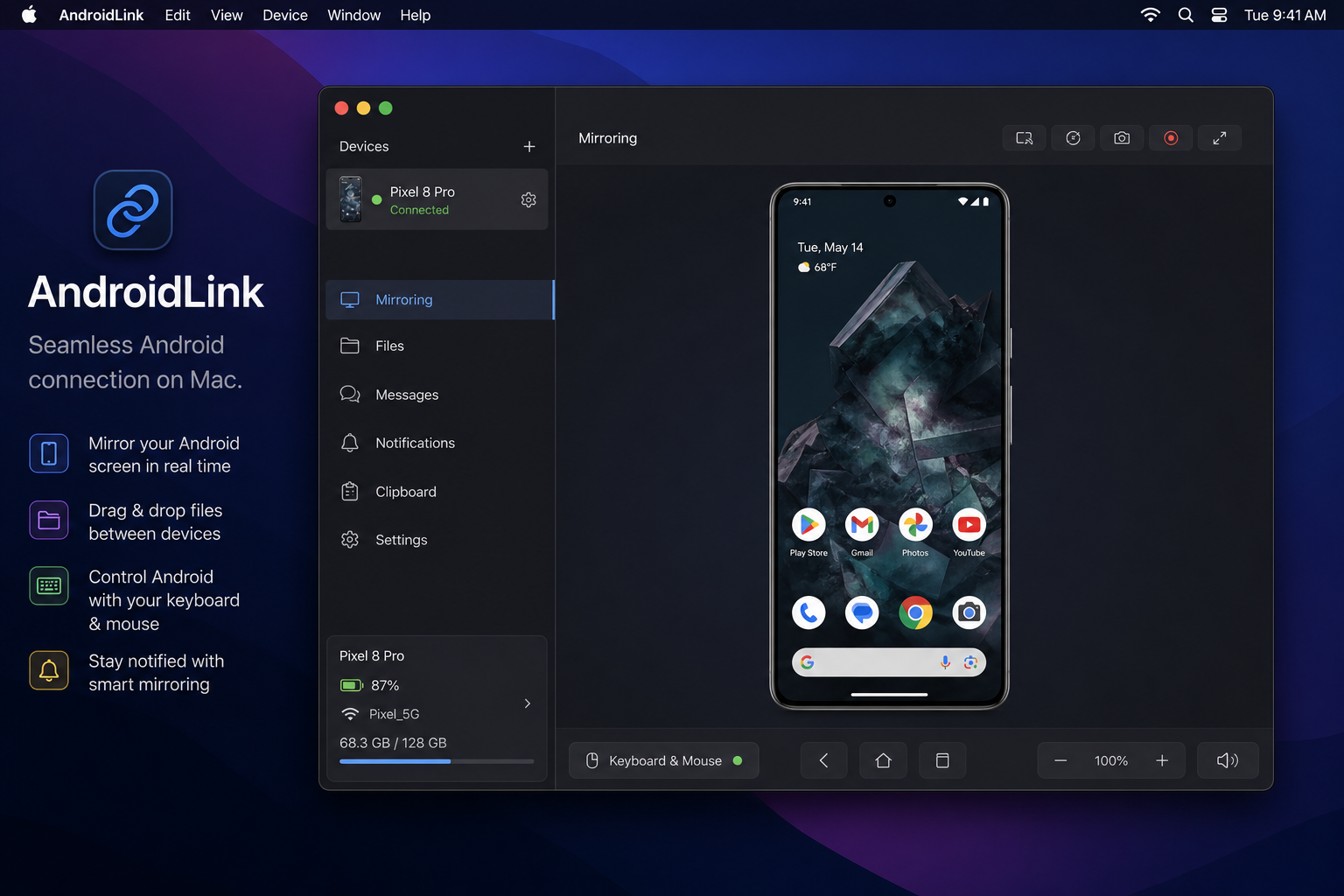
Built for everyday users. No terminal, no config files — just connect and go.
Low-latency scrcpy mirroring with keyboard, mouse, and audio. Up to 120 fps on Apple Silicon.
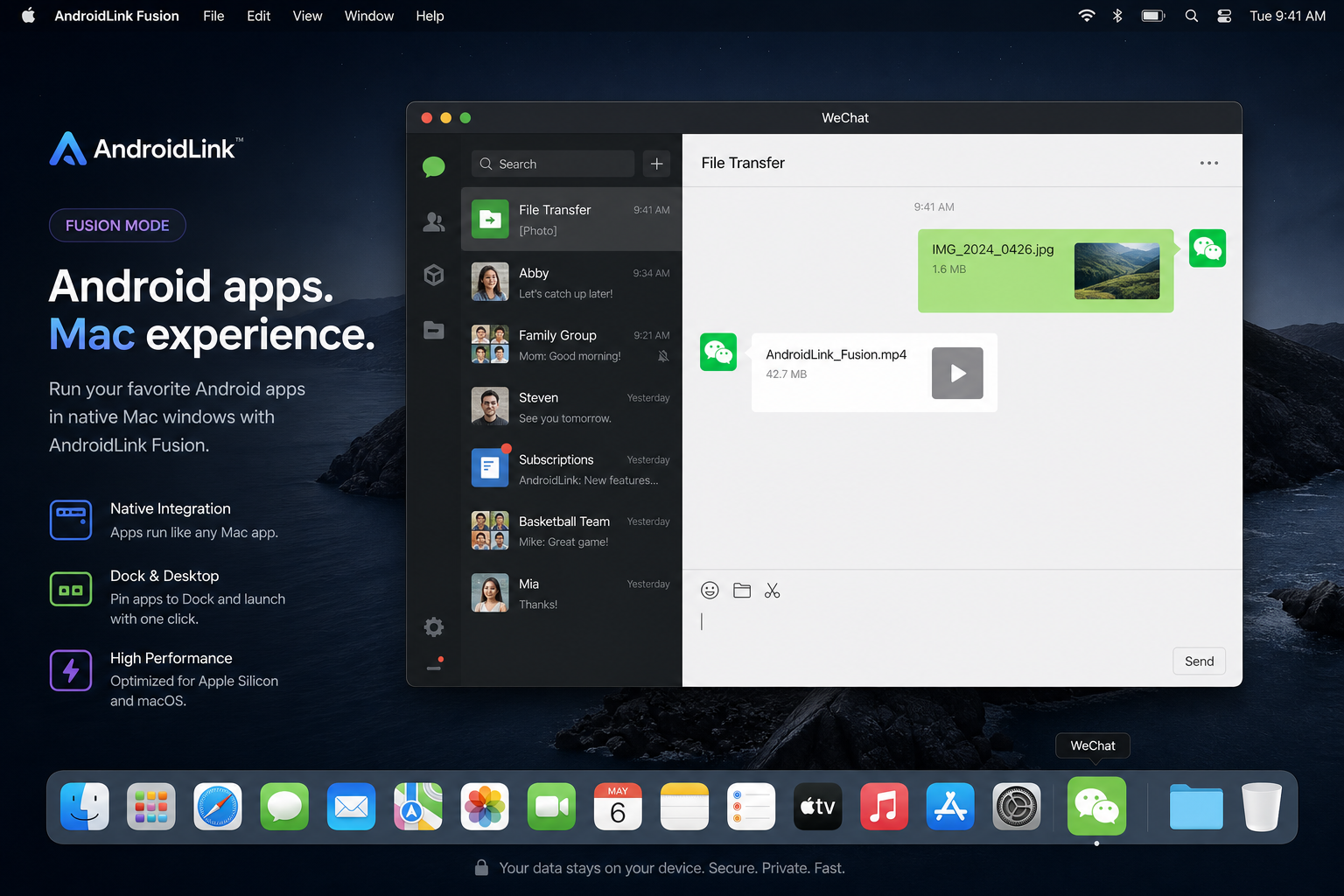
WeChat, Alipay, and daily apps open as native Mac windows with their own Dock icons.
Phone notifications appear at the top of your screen. Copy verification codes in one tap.
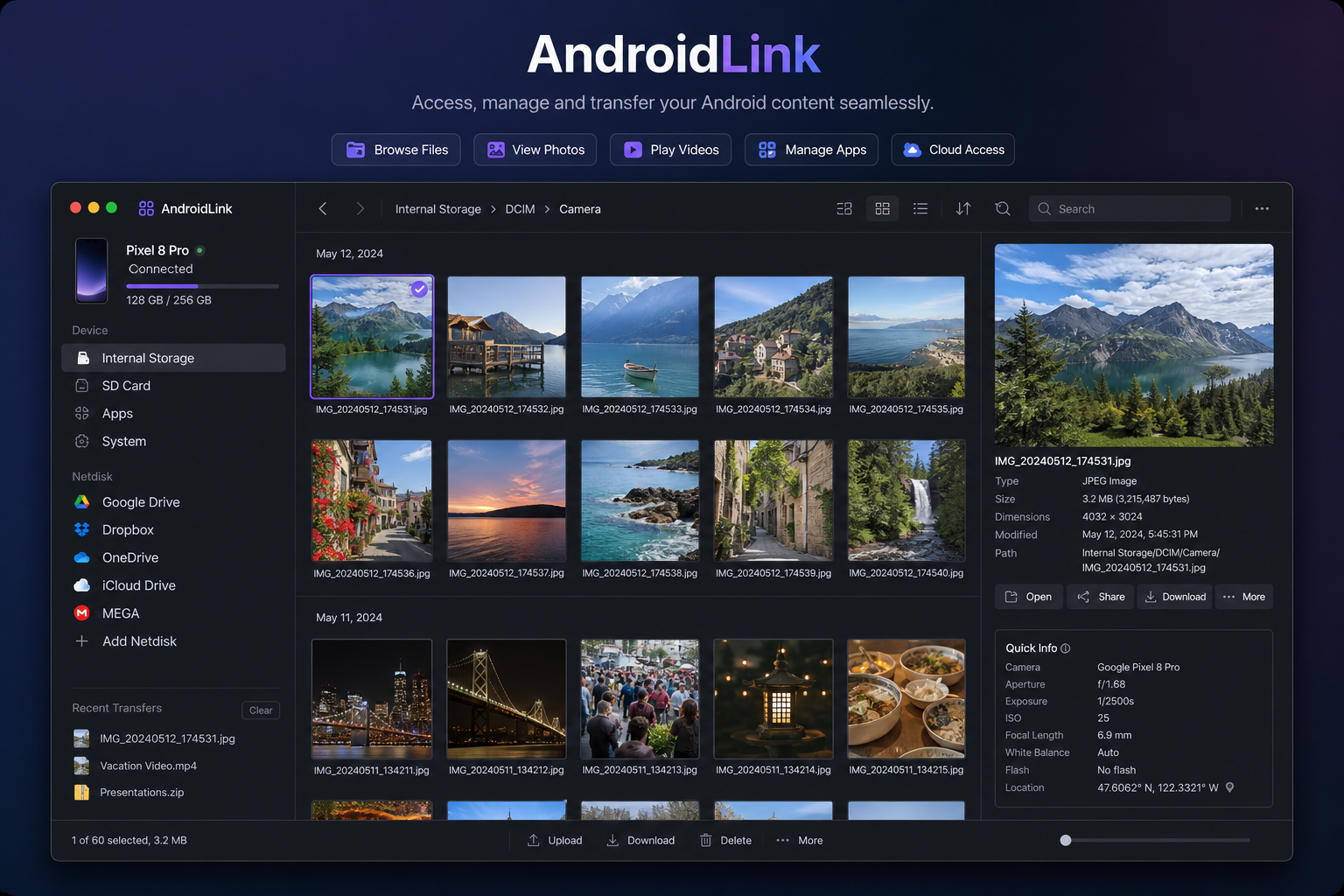
Browse, preview, and transfer photos and documents like a cloud drive — streaming large folders instantly.
Copy on Mac, paste on phone — and vice versa. Seamless cross-device workflow.
All data stays on your devices. Bundled ADB, local OCR, on-device notification analysis — no cloud.
Designed for macOS. Feels like it belongs on your Desktop.
Launch messaging and daily apps in their own windows. Pin favorites to your Desktop with one click during setup.
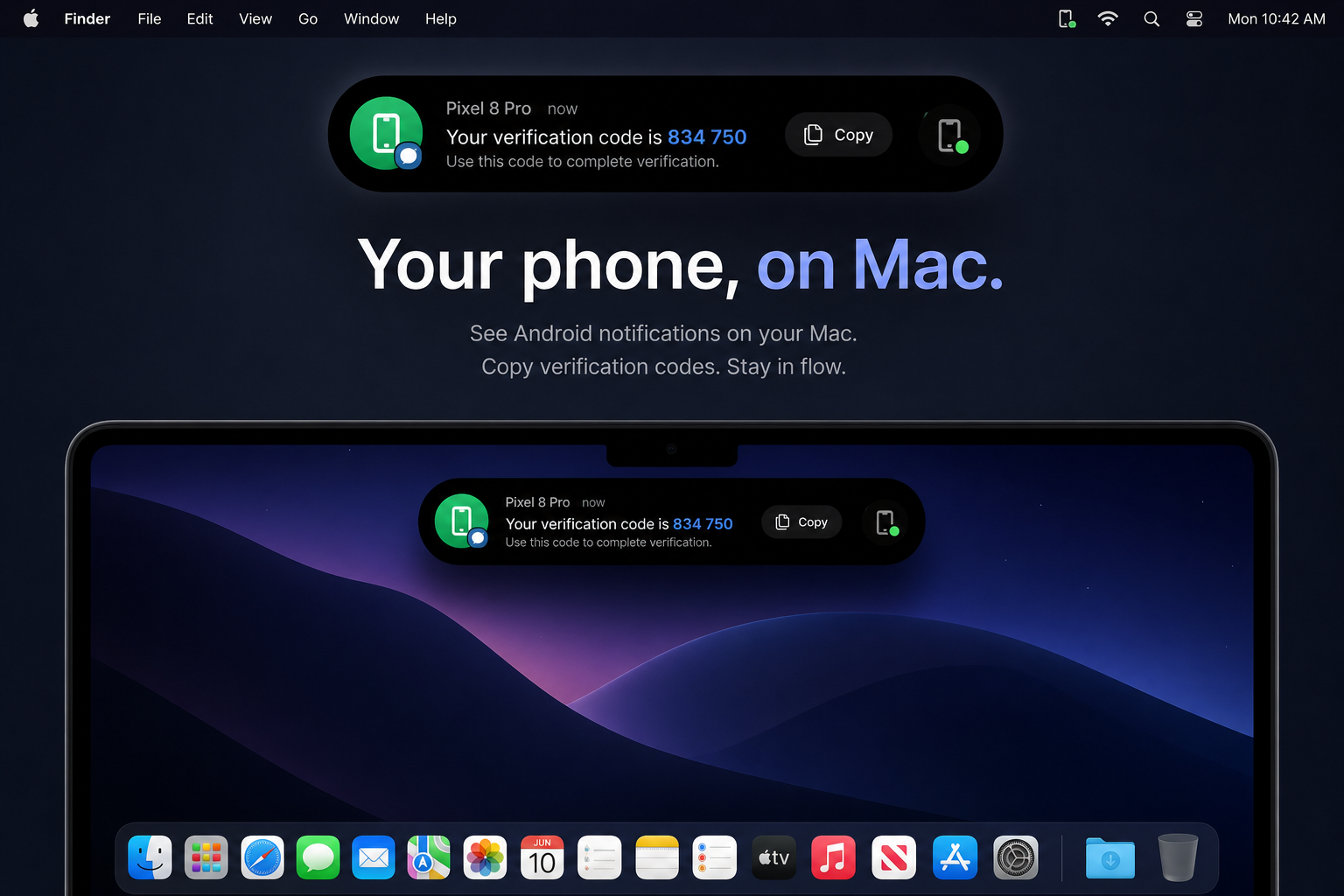
Important alerts float at the top of your screen. Copy OTP codes instantly or open the app in Fusion with one click.
Grid or list view, live search, image preview, PDF Quick Look — browse large folders without timeouts.
Free download. No account required. Set up in under a minute.
All releases & release notes · macOS 13.0+ · Apple Silicon (arm64)
Installation
Yes. AndroidLink is free to download. No account required.
Current releases target Apple Silicon (arm64). Intel support may come in a future release.
Core features run locally on your Mac and phone — mirroring, files, clipboard, and notification analysis. Optional anonymous analytics is off by default; see our Privacy Policy.
Android 5.0+ for mirroring. Audio mirroring requires Android 11+. Notification sync requires installing the AndroidLink Helper APK.